

October 19, 2026
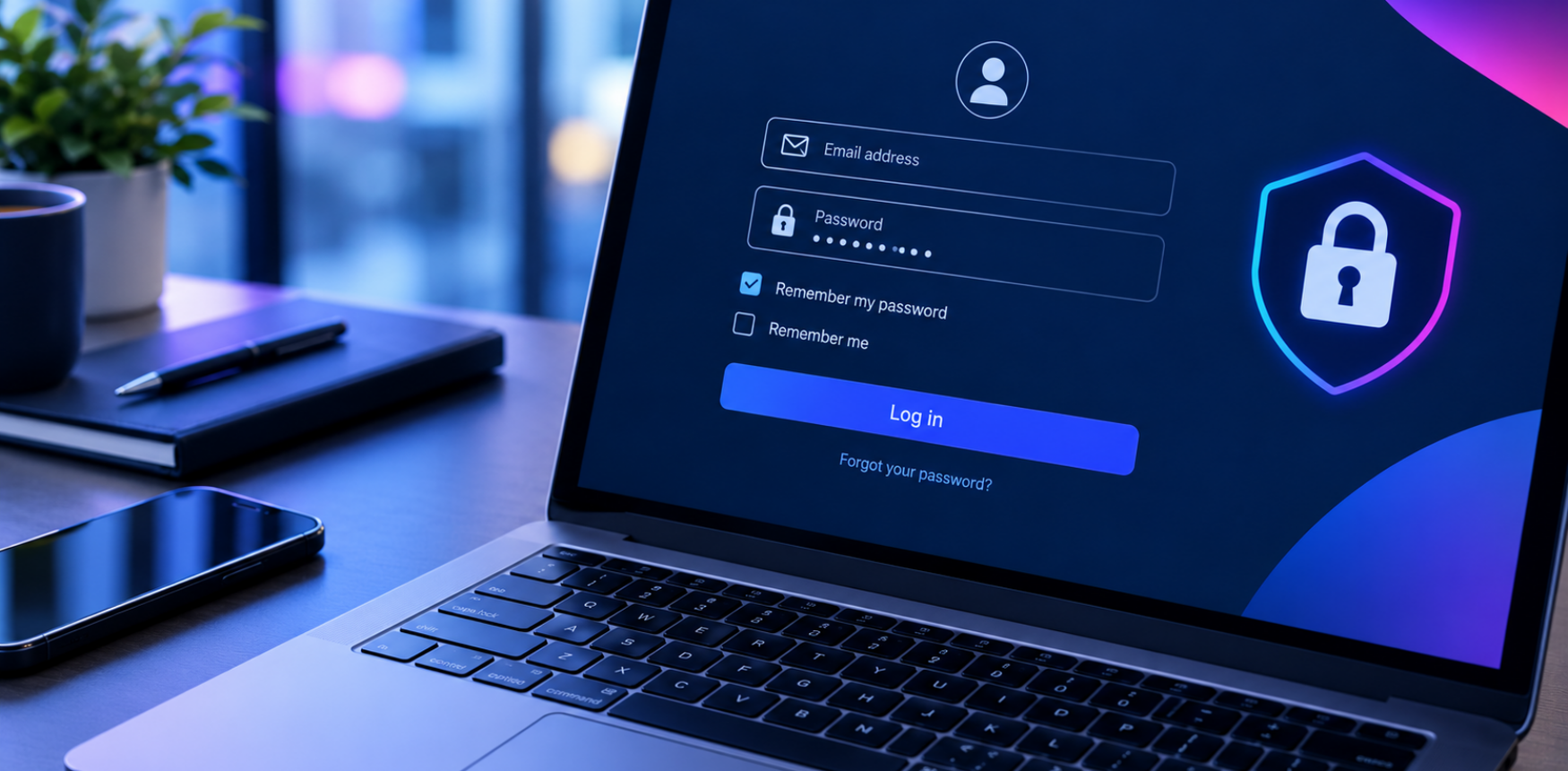
Have you ever thought about what happens when you log into a website and tick the “Remember my password” box? Because most people haven’t. It is a small feature that many of us use every day, whether we are checking emails, accessing work documents or shopping online. It saves time and makes logging in more convenient, but how does it work, and is it even safe?
When you select “Remember my password”, your browser saves your login details, so you don’t have to enter them manually every time you visit a website- or even remember them!
There are also “Remember me” options. This is another way of saving your log in details- however they keep you signed in for longer. This can involve a small piece of information called a cookie, which helps the website recognise your browser or maintain your login session.
So where the main difference is; “Remember me” is mainly about staying signed in, while “Remember my password” is about saving your login credentials. Neither means your account is automatically protected from every security risk. This means you still need to be diligent with your cyber security.
The good news is that saving passwords can be reasonably secure when done correctly. By using a reputable password manager, you are already being cautious whilst not having to memorise every single one.
However, this is not realistically safe for everyone, so you have to measure whether it is safe for you. Asses whether other people have access to your device? Or whether you leave your device unlocked at work whilst you step away to chat to a colleague for a couple seconds? Just because in theory it is safe doesn’t mean it will always keep you safe, think about your digital habits and whether it suits YOU.
It’s not a one size fits all, you do not necessarily need to stop using the “Remember my password” feature altogether. Instead, consider where your passwords are being saved and whether the device and account are properly protected.
It is more than just remembering a password. Employees regularly access work emails, customer information, shared documents and business applications. If an account is accessed by someone without permission, sensitive information could be exposed and normal business operations could be disrupted.
For example, an employee might save their password on a shared office computer and forget to sign out. If another person can access that device, they may be able to open the employee’s account. Similarly, if the same password is used for several work accounts, a compromised password could put multiple systems at risk.
These situations highlight why good security habits are important across an organisation. Businesses should encourage employees to use strong passwords, protect their devices and understand how to recognise suspicious login requests.
It is also important to remember that security is not just the responsibility of individual employees. Having appropriate security measures, clear policies and reliable IT support can help businesses identify weaknesses and reduce the risk of unauthorised access.
Keeping your business secure can feel complicated, particularly when technology is constantly changing. This is where having the right support can make a difference.
At Dataquest Group Ltd, our Cyber Security services can help your business take a more informed approach to protecting its technology and information. From understanding potential security risks to strengthening your wider IT security practices, taking the right precautions can help you protect your business and give your employees greater confidence when using technology.
Cyber security is not only about preventing major attacks. It is also about getting the everyday essentials right, from protecting login details to making sure devices and accounts are managed appropriately.
And when it comes to protecting your business, you do not have to work everything out alone. If you would like to understand how your business can strengthen its approach to online security, Contact us to find out more about how we can support your organisation.
Read full story

Read full story

Read full story

Read full story

Read full story

Read full story
Read full story
Read full story

Read full story

Read full story